
AI technical assistantthat reads the photo and answers.
The customer sends a photo of a warning, a voice note or a question about the product. Tolky's AI reads it, checks the manual and specifications you uploaded and answers right away. When the case needs a specialist, they receive the conversation with the summary.
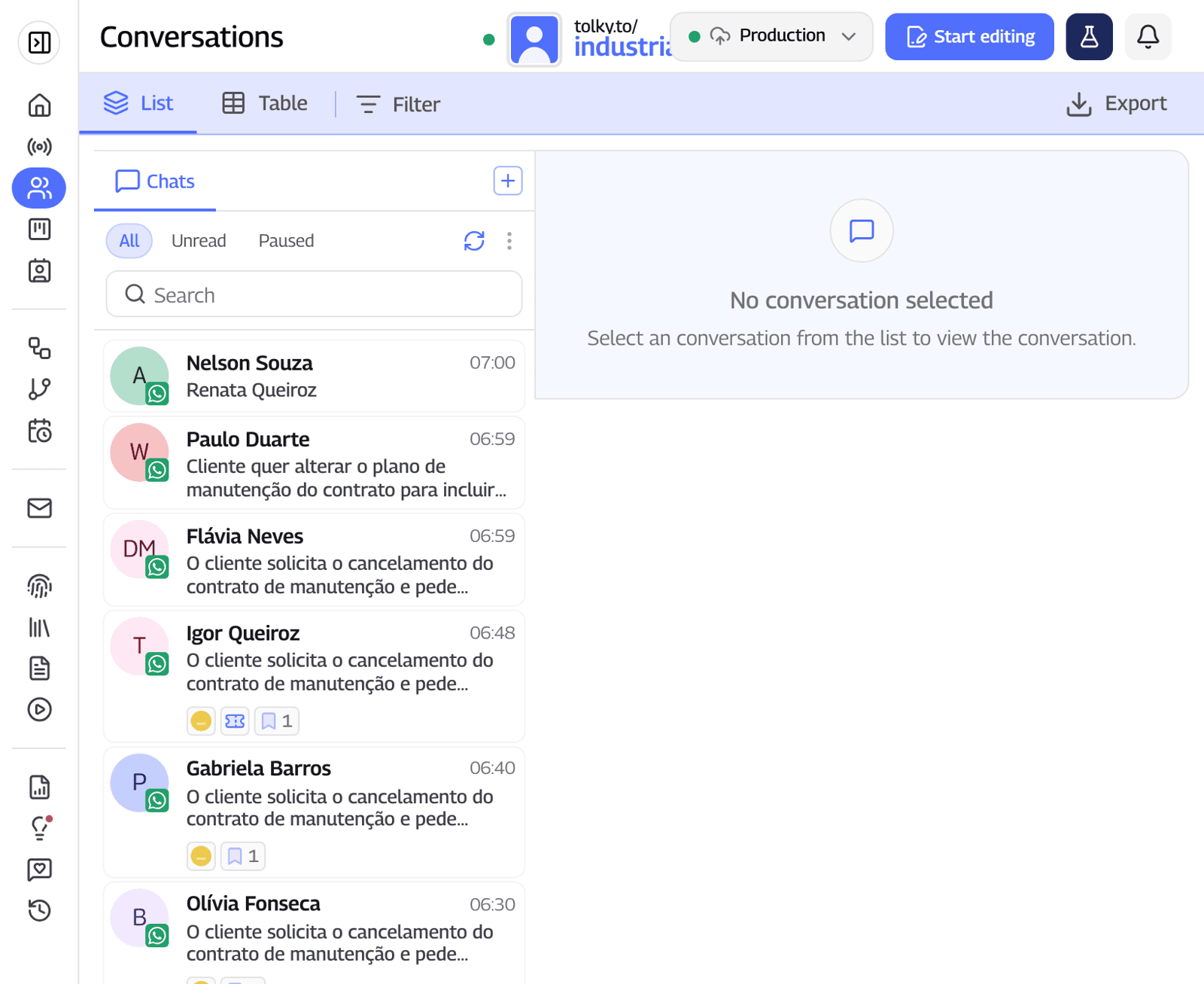
Drag to compare


A simple question stuck in the after-sales queue.
The technical answer arrives right away, on WhatsApp.
From a photo of the problem to the right answer
Step 01
Upload your knowledge
Manuals, specifications, warranties and procedures become the AI's knowledge base.
Step 02
The customer shows the problem
Photo, voice note, document or text, whatever is easiest for them.
Step 03
The AI explains and guides
It answers from the knowledge base, within scope, and logs the case.
Step 04
The specialist takes the hard cases
Technical cases reach the specialist with the triage and the history.
What happens behind every technical answer


01
Images and audio
The customer shows, the AI understands
Not every customer can describe the problem. The AI reads the photo, voice note and document sent on WhatsApp and uses what it understood to find the answer in the knowledge base.
Images and documents sent in the conversation are read
Audio understood without the customer typing
Agent instructions say what to ask for when information is missing
02
Technical knowledge
Answers from your manual, not from the internet
The AI answers from the knowledge base you uploaded and stays within the agent's scope. For every message, you can see the instructions, knowledge base excerpts and external calls behind the answer.
Manuals, specifications and procedures in the knowledge base
Fixed replies for warranty and safety
A trail for every AI reply
03
The specialist at the right time
The specialist gets the case ready to work
When the case needs a person, the conversation goes to the technical queue with the summary, the photos and the history. The specialist resolves it without repeating questions, and the ticket follows it to the end.
Queues by department
Tickets with stages and priority
NPS at the end of the conversation
What technical after-sales support needs
Reads photos, audio and documents
The AI understands images, audio and documents sent in the conversation.
Answers from your knowledge base
The manuals, specifications and procedures you uploaded, without leaving the agent's scope.
Triage for the specialist
Cases that need a person go to the right queue with the summary ready.
Voice too
Callers are answered by the same AI, with the same knowledge base.
Network and customers in one operation
Departments and queues separate end customers, resellers and the service team.
The questions that come up most
Smart Tags classify every conversation, and reports show the most frequent topics.


For companies that support a product
01
Automakers, dealerships and repair shops
Dashboard lights, maintenance, warranty and how the vehicle works.
In practice
Photo of a dashboard warning explained with the manual
Warranty question answered with the rule on file
Service booked when the case needs a shop
02
Durable goods manufacturers and retailers
Installation, use and defects of appliances, machines and equipment.
In practice
Step-by-step installation in the conversation
Error code from the photo checked against the knowledge base
Service ticket opened with photos and the serial number
03
Insurance and vehicle protection
Assistance and claims that start with a photo.
In practice
Damage photos received and logged in the conversation
Guidance on what to do next
Case handed to the adjuster with the history
One platform, more solutions.
What backs trust in the platform
Each item below links to the page that explains how it works.
Official WhatsApp API
Meta Tech Provider: direct connection to Meta (Cloud API) or through Gupshup, an official Meta partner.
How we connect WhatsAppLGPD (Brazilian data protection law)
Data subject requests through contato@tolky.to, panel tools to delete conversations and a public privacy policy.
Security and LGPDAccess profiles and audit log
Permissions by module and by action, and an audit log you can export to CSV or Excel.
Controls in the panelA trace of every AI answer
For each AI message, see the instructions, the knowledge base excerpts and the external calls behind it.
How the AI is controlledSSO with SAML on Enterprise
Single sign-on through your company identity provider. On other plans, email and password or a Google or Microsoft account.
How access worksFrequently asked questions
Yes. The AI reads images, audio and documents sent in the conversation and uses the content to answer from your knowledge base.
From the knowledge base you upload: manuals, specifications, warranties and procedures. The AI answers within the agent's scope and deflects anything outside it.
It hands the conversation to the specialist, with the summary and the history. You set the handoff rules and the topics that always go to a person.
Yes. Departments and queues separate end customers, the network and the service team in the same operation.
Yes. Tolky's voice uses the same AI and the same knowledge base, by phone, web and WhatsApp. Voice is enabled during implementation.

Your after-sales team cananswer right away.
Book a demo and watch Tolky's AI answer technical questions with your product's knowledge base.