WhatsApp Business API for global companies: how to roll it out
How to run the WhatsApp Business API across countries: one number per country or a global one, accounts in the portfolio, templates per language, cost by country, limits and privacy.
TL;DR
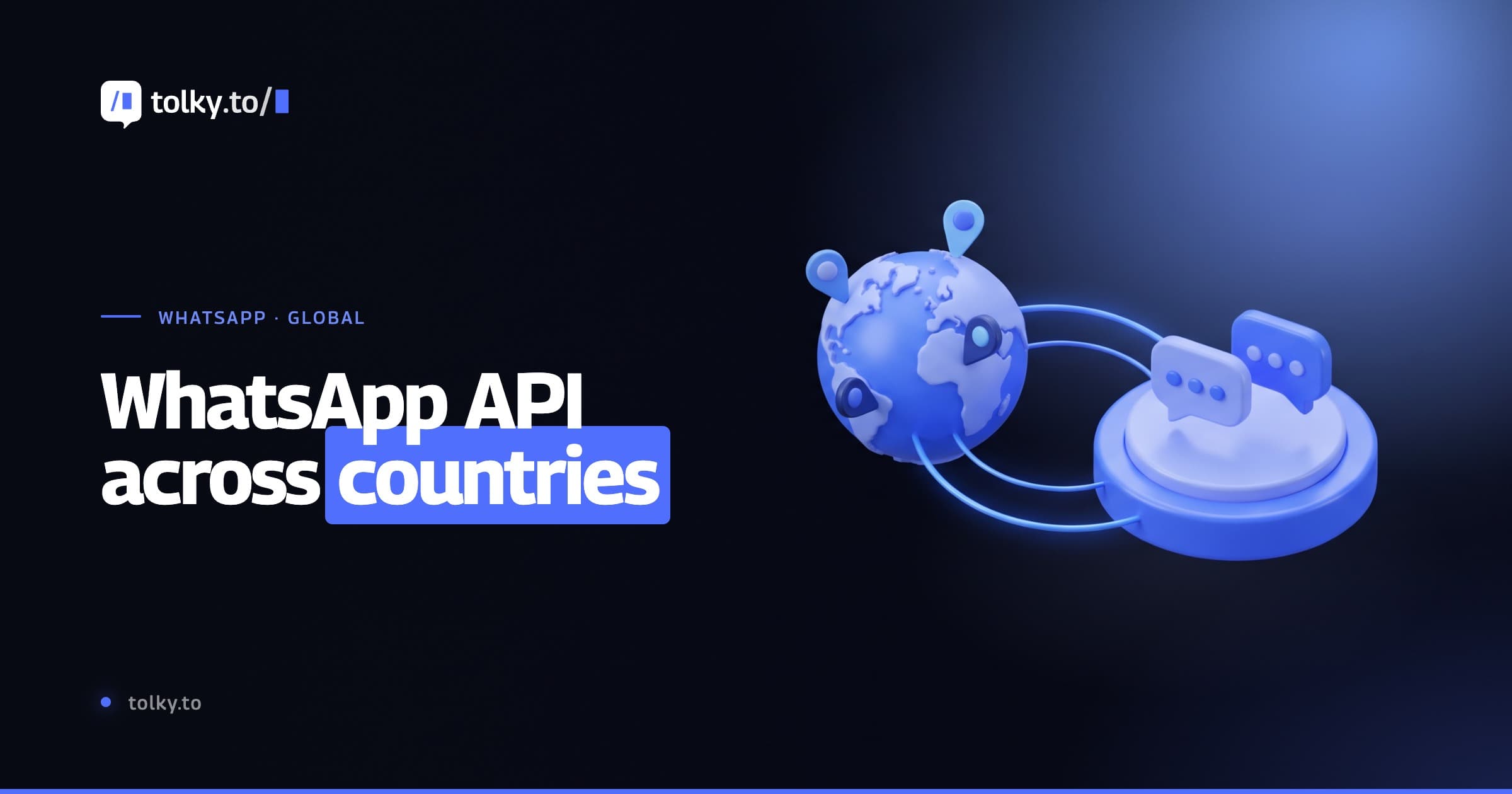
The WhatsApp Business API for global companies brings the accounts and numbers of several countries together in one Meta business portfolio, with one number per market or a single number. Meta charges each message at the rate of the recipient's country calling code, in the currency chosen when the account is created. The messaging limit belongs to the whole portfolio, and templates, service and privacy must follow each market's language and law.
Share
When a company serves customers in Brazil, Mexico and Spain, WhatsApp stops being a single number. New questions show up: one number per country or one for all, what a message sent abroad costs, in which currency, in which language the template goes out and which data law applies.
This guide answers each one using Meta's documentation as checked on November 18, 2026, and ends with a step-by-step rollout plan.
Updated in November 2026.
What is the WhatsApp Business API for global companies?
The WhatsApp Business API for global companies is the use of Meta's official API by a business that talks to customers in more than one country, with numbers, accounts, templates and billing organized under a single business portfolio. The technology is the same as in a local operation; what changes is the account architecture.
The business portfolio (formerly Business Manager) sits at the top of the structure, and it holds the accounts and numbers for every country. If you do not have API access yet, start with how to get the official WhatsApp Business API.
One number per country or one global number?
One number per country gives customers a local contact and separates each market's operation; a global number is simpler to manage but puts everything behind a contact with a foreign code. The price per message does not change with this choice, because Meta charges by the recipient's country.
| Criterion | One number per country | One global number |
|---|---|---|
| What the customer sees | Their own country code | The headquarters' country code |
| Meta's rate | By the recipient's country | By the recipient's country |
| Free service messages | 1,000 per number per month | 1,000 in total per month |
| Messaging limit | Shared across the portfolio | Shared across the portfolio |
| Display name and badge | One request per number | A single request |
| Management | Queues and reports per country | Language routing on one number |
A common path is to start with a global number and open local numbers when a market gains volume. Free service messages are counted per number, according to Meta's pricing, checked on November 18, 2026.
How should you organize the portfolio, accounts and numbers?
Keep a single verified business portfolio in the company's name and register every country's numbers in it. A new portfolio starts with up to 2 registered numbers and moves to 20 after business verification or after reaching the 2,000 messaging limit (business phone numbers in Meta's documentation, checked on November 18, 2026).


The structure changed in 2026: the WABA became two accounts. The WhatsApp account holds one number and the business profile; the Messaging account, which inherited the WABA ID, holds templates, billing and webhooks. The model went live on September 23, 2026, and reached all businesses by mid-October (updates to WhatsApp Business accounts, checked on November 18, 2026).
Three rules matter across countries:
- Templates live in the Messaging account. Each one holds up to 250 templates without verification and up to 6,000 with a verified portfolio and an approved display name.
- Billing per account. Each Messaging account has its own payment method and spend limit.
- No portfolio moves. The account cannot move to another business, so create everything in your own portfolio, not in your agency's or your BSP's.
How do template and service languages work?
Every template gets a language code when it is created, and Meta allows several templates with the same name in different languages. Meta does not translate anything: the business writes each version, and each one counts toward the template limit (templates overview, checked on November 18, 2026).


Check the category too: an offer sent as utility can be recategorized by Meta. The WhatsApp message templates help with the first draft.
On the service side, decide which language the AI agent replies in on each number, who on the team covers each language and where the conversation goes when a customer writes in a language the queue does not cover.
How much does the WhatsApp API cost across countries?
Meta charges each delivered message at the rate of the market defined by the country calling code of the recipient's number. A reminder sent from a Brazilian number to a customer with +52 is billed at Mexico's rate. Countries without their own rate card fall into regional groups or "Other" (WhatsApp Business Platform pricing, checked on November 18, 2026).
| Market (recipient's code) | Marketing | Utility, authentication and service |
|---|---|---|
| Brazil (+55) | US$0.0625 | US$0.0068 |
| Mexico (+52) | US$0.0397 | US$0.0085 |
| Colombia (+57) | US$0.0125 | US$0.0008 |
| Argentina (+54) | US$0.0618 | US$0.026 |
| Spain (+34) | US$0.0707 | US$0.02 |
| North America (+1) | US$0.025 | US$0.0034 |
List rates in US dollars, per delivered message, in effect since October 1, 2026, and checked against Meta's rate sheets on November 17, 2026. More detail in the WhatsApp API pricing guide.
Three points matter in a global operation:
- Currency. There are 16 currencies, including the US dollar, euro, Brazilian real and the Mexican, Colombian and Argentine pesos. The currency is chosen when the Messaging account is created and cannot be changed afterward, except through Meta's migration APIs.
- Volume tiers. Utility and authentication discounts add up messages across the whole portfolio, separately by market and category.
- Service messages. Each number gets 1,000 free per month, with no rollover.
Illustrative example: 10,000 utility reminders per month to customers in Mexico cost 10,000 × US$0.0085 = US$85.00, whether they leave from a Brazilian or a Mexican number. Run your own numbers in the WhatsApp API cost calculator.
How do messaging limits, display names and the badge work?
The messaging limit is calculated at the business portfolio level and shared by every number: a single number can use up the whole capacity in a given period. Every new portfolio starts with 250 unique customers in a moving 24-hour period and moves up to 2,000, 10,000, 100,000 and unlimited. Only messages sent outside the 24-hour window count (Meta's messaging limits, checked on November 18, 2026).
So plan campaigns together: a large campaign in Spain can use up the limit the Brazil team expected to use that same day. See messaging limit in the glossary and the sending playbook in 24-hour window, templates and campaigns.
The display name is set per number and goes through Meta's review. Official Business Account status, with the blue check mark, is also granted per number. The step-by-step is in WhatsApp Official Business Account.
Which privacy rules apply in each country?
The data protection law where your customers are usually applies, and many of these laws reach companies based abroad. Brazil's LGPD covers data collected in Brazil and the offer of goods or services to people in Brazil (Law No. 13,709/2018, art. 3). The GDPR follows the same logic in the European Union, and Mexico has had a new federal law on personal data held by private parties since March 2025 (text at Mexico's Chamber of Deputies). Sources checked on November 18, 2026.
This guide is not legal advice, but four safeguards repeat everywhere:
- Recorded opt-in per channel, with date and source, before sending templates.
- Privacy notice in the customer's language, with a channel to request access or deletion.
- Role-based access, so one country's team does not see what it does not need.
- International data transfer covered by contract when the conversation is handled outside the customer's country.
How do you handle time zones and service hours?
Set the Messaging account's time zone before adding payment and plan service around each customer's local time. Time zone and currency cannot be edited once a line of credit is attached (WhatsApp accounts and Messaging accounts, checked on November 18, 2026).
The 24-hour window counts from the customer's last message, not from the company's clock. A question sent from Madrid at 23:00 arrives in São Paulo at 19:00. If nobody replies in time, the answer requires a template. An AI agent covers those hours, and the team steps in when the case needs a person.
Schedule campaigns by local time: a reminder sent at 09:00 in São Paulo lands at 06:00 in Mexico City.
What is the step-by-step to roll out the API across countries?
The safest rollout starts with one pilot country and opens the others only after costs, templates and the handoff to people are working.
| Step | What to do | Watch out for |
|---|---|---|
| 1. Map | Countries, volume by category and languages | Use the per-country calculator |
| 2. Portfolio | One verified portfolio in the company's name | Verification unlocks 20 numbers |
| 3. Accounts | Messaging accounts, currency and time zone | Currency and time zone are fixed later |
| 4. Numbers | Registration, display name and two-step PIN | Decide local or global first |
| 5. Templates | One version per language, right category | Each version counts toward the limit |
| 6. Service | AI agent, queues per country and handoff | Hours in local time |
| 7. Privacy | Opt-in, notice and role-based access | Each country's law |
| 8. Expansion | 30-day pilot, then the other countries | Request the badge per number |
The mistakes that cause the most delays: an account in a third party's portfolio, a currency chosen without thinking about invoicing, templates translated without review and simultaneous campaigns that use up the limit. To choose the tool, see the WhatsApp customer service platform guide.
Where does Tolky fit?
Tolky is a conversational AI CRM that connects WhatsApp numbers through the official API and puts AI agents and the team on the same history, with each number linked to an agent that has its own language and time zone.
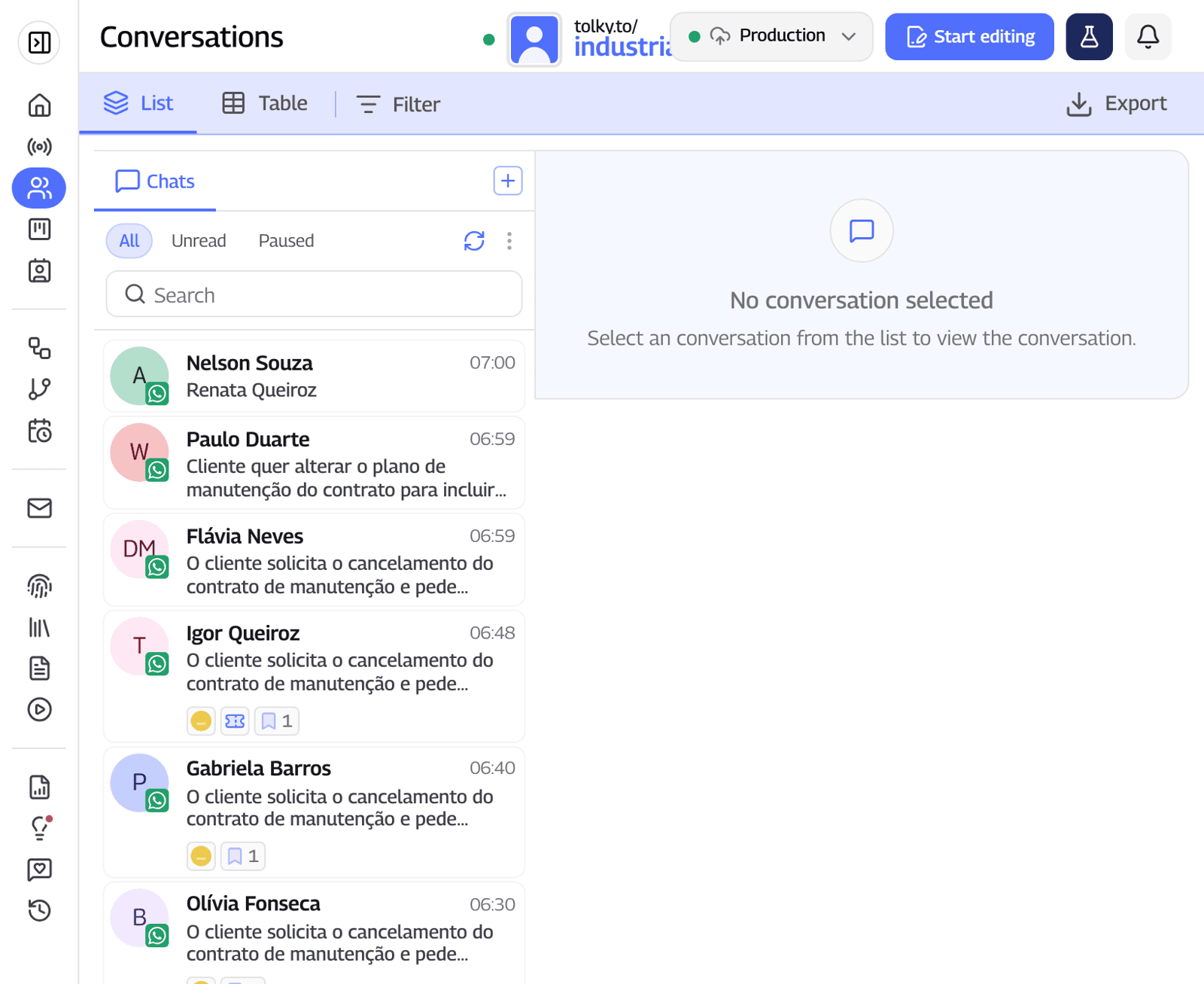
- Official number, your account. Tolky is a Meta Tech Provider and a Gupshup partner, with the account in your company's portfolio.
- One agent per number. Each connected number is linked to an AI agent with a default reply language, chosen from a list of 20 languages that includes English, Spanish and Portuguese, and its own time zone.
- Dashboard in three languages. The team works in English, Spanish or Portuguese, in the same shared inbox.
- CRM and campaigns. A built-in CRM, text campaigns with approved templates and handoff to people with the conversation's context.
What Tolky does not do: it does not choose the currency or pay Meta's bill for you (Meta's fees are outside the plan), it does not replace each country's legal review, and Instagram and SMS are still coming soon.
Frequently asked questions
Do I need a WhatsApp number in each country?
No. A single official number can talk to customers in other countries. Local numbers help with customer trust and with organizing by market, and each one comes with 1,000 free service messages per month.
Does Meta charge by my number's country or the customer's?
By the customer's. The rate comes from the country calling code of the recipient's number, so the same reminder is billed at Mexico's rate when it goes to a +52 number, wherever it is sent from.
Can I pay Meta in local currency?
Yes, in 16 currencies, including the Brazilian real, the Mexican, Colombian and Argentine pesos, the euro and the US dollar. The currency is chosen when the Messaging account is created and cannot be edited later; to change it, Meta offers migration APIs.
Do templates need approval in each language?
Each language is its own template, with the same name and a different language code, and every template goes through Meta's automatic review when it is created. Meta does not translate the text, and each version counts toward the account's template limit.
Is the messaging limit per number or per company?
Per company. The limit is calculated at the business portfolio level and shared by all numbers, so campaigns in different countries compete for the same capacity.
Which data law applies to customers in another country?
Usually the one in the customer's country. The LGPD reaches companies that offer services to people in Brazil, and the GDPR does the same in the European Union. Check each market's rules with your legal team.
Conclusion
Taking the WhatsApp Business API to several countries is an architecture decision: one portfolio, accounts with a set currency and time zone, local numbers or a global one, templates per language and sends that respect the shared limit. Start with one country, measure the real cost and then open the others. The complete WhatsApp Business guide brings connection, pricing and rules together.
See the plans, calculate the API cost by country, explore WhatsApp customer service or talk to the team →. Let's talk?
Share
Tags
- whatsapp business api for global companies
- whatsapp business in multiple countries
- how to implement the whatsapp business api
- whatsapp api cost by country
- multilingual whatsapp templates
- meta business portfolio
- waba
About the author

Co-founder of Tolky
Marlos Carmo is an AI entrepreneur and founder of Tolky, the conversational-era infrastructure and AI CRM that unifies intelligent service, multi-channel support (such as WhatsApp and voice), live CRM, and operational intelligence in a single ecosystem. He is a finalist for the SXSW Innovation Awards and a member of Francesco's Economy, a global network of young entrepreneurs focused on innovation and social impact. He works connecting Artificial Intelligence and digital transformation in projects for large organizations.
Next step
Want to bring this to your operation?
Tati, Tolky's AI assistant, understands your scenario in a few questions, suggests the best path and connects you with someone from the team, with full context.
Share