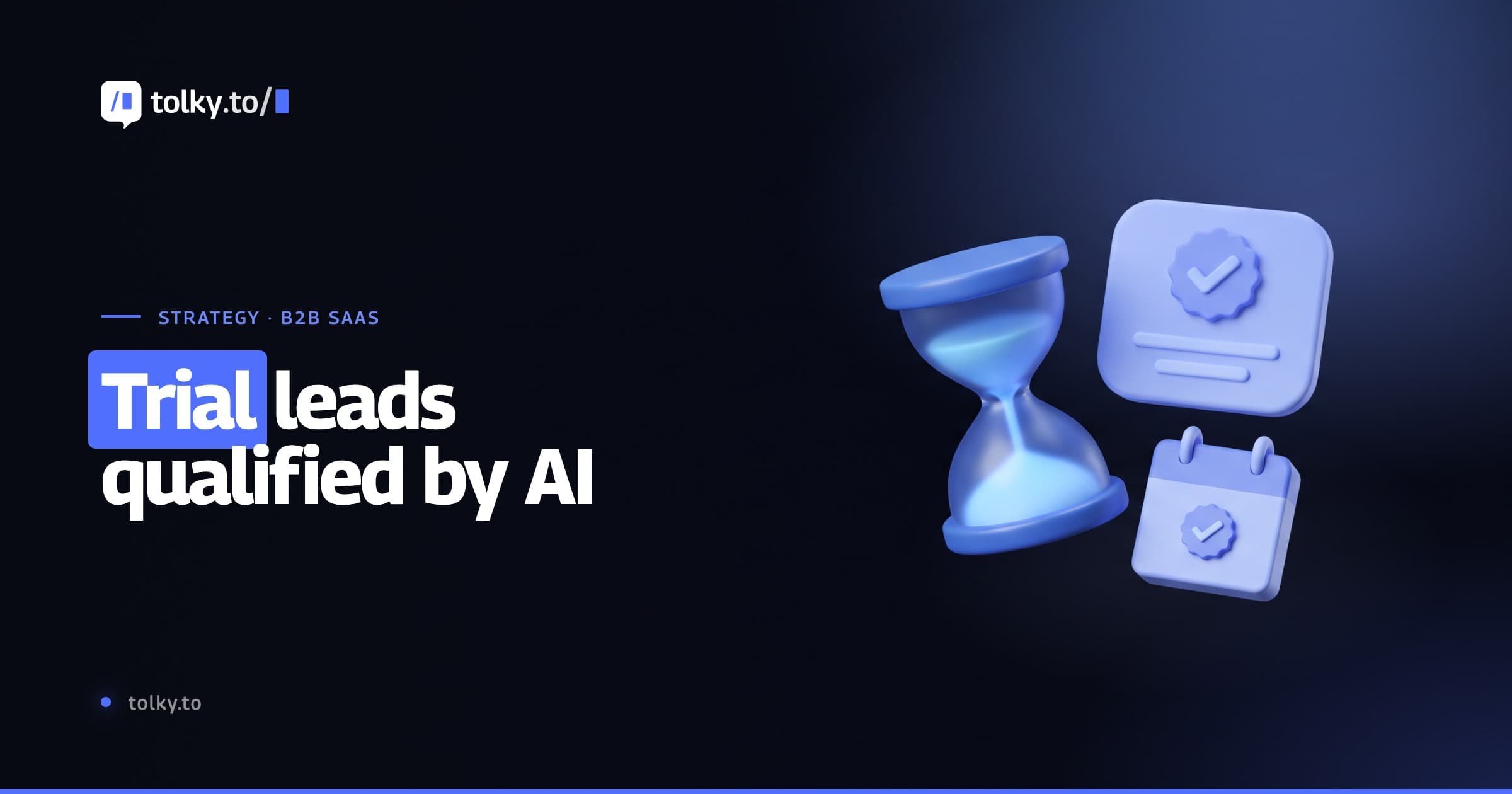
Can an AI agent qualify B2B SaaS trial leads? A practical guide
How an AI agent for SaaS reaches every trial signup on day one, qualifies with clear criteria, books the demo and hands the lead to sales with full context.
TL;DR
Yes. An AI agent for SaaS talks to every trial signup on day one, asks your qualification questions, cross-checks the answers with product usage signals when there is an integration and passes only the leads with fit to sales, with a summary of the conversation. It does not replace the SDR: it sets up the meeting. Measure trial-to-conversation and conversation-to-meeting against a baseline.
Share
Every B2B SaaS company with a free trial knows the dashboard: hundreds of signups a month, few active users after the first week and a sales team that does not know who to call first. The buyers with real fit get lost among people who only wanted to look, and the trial ends before anyone asks what the person needed to solve.
The problem is rarely the product. It is the missing conversation. An AI agent for SaaS starts that conversation at signup, finds out who has fit and hands the lead to sales while interest is still high. This guide covers what the agent does, what it should not do, the criteria, a sample script and the metrics.
Updated in November 2026.
What is an AI agent for SaaS trial qualification?
An AI agent for SaaS trial qualification is an AI assistant that talks to every person who opens a trial account, understands their use case, applies the company's qualification criteria and routes the leads with fit to sales, with the context recorded in the CRM. It works on WhatsApp, in the website chat or by email.
The difference from an email sequence is the two-way conversation: the agent asks, listens and decides the next step. The difference from an SDR is scale: the agent talks to every signup, including the one that arrives at 11:40 p.m. on a Sunday, and the SDR steps in on the ones worth a meeting. The foundation is the same as B2B lead qualification with AI; in a trial, the clock is shorter and you can see what the person does in the product.
Why do B2B SaaS trials get many signups and few conversations?
Trials attract many signups because testing costs the user almost nothing, and they produce few conversations because nobody at the company talks to the person before the trial ends. Signing up takes one click; a conversation needs someone available at the right moment.


Four reasons show up in almost every operation:
- Mixed volume. Students, competitors, browsers and real buyers come through the same form and look identical in the CRM.
- The clock is running. If the first contact comes on day five, the person has already made up their mind, often without seeing the feature that would solve their problem.
- Signals without context. The product logs three projects created, but it does not say whether the person makes the buying decision or is just comparing.
- The SDR queue. The team works first come, first served. The lead with the most fit may be at the bottom of the list.
Speed to lead matters even more in a trial, because interest has an expiration date. It is the same leak we describe in losing leads on WhatsApp, with a timer running.
What does the AI agent do during the trial?
The agent covers five steps: day-one outreach, qualification questions, product usage signals when there is an integration, demo booking and a handoff to sales with context. Each step follows a rule the team defines and reviews.
Day-one outreach
The agent writes shortly after signup, introduces itself as an AI assistant and asks an open question about the goal of the trial. On WhatsApp, the company's first message outside the 24-hour window must be a Meta-approved template, sent only to people who gave opt-in on the form.
Qualification questions
The agent asks your process's questions one at a time, mixed with the help the person asked for. Frameworks like BANT (budget, authority, need and timeline) are a starting point; many SaaS teams swap budget for team size or current tool, because trial users rarely know the budget yet. The answers become CRM fields, not loose notes.
Product usage signals
When the product sends events by webhook or API, the agent knows whether the person activated the core feature, invited teammates or stopped halfway through setup. Users who got stuck get help; users who already saw value get a demo offer. Without an integration, the agent qualifies through conversation alone, which already solves a large part of the problem.
Book the demo and hand off to sales
When the lead meets the criteria, the agent proposes a meeting, confirms the time and transfers to the sales rep with a summary: who the person is, what they said, what they did in the product and the suggested next step.


This is where most automations fail. A good handoff carries the context, so the rep picks up where the conversation stopped. The rules are in AI to human handoff.
Which criteria should you use to qualify a trial lead?
Use four to six criteria your sales team already recognizes, each with a conversation question and, when possible, a product signal that confirms the answer. A criterion nobody uses to decide only makes the conversation longer.
| Criterion | Question in the conversation | Product signal (with integration) | What it tells you |
|---|---|---|---|
| Use case | "What do you want to solve with the trial?" | Features used in the first days | Whether the problem is in scope |
| Size | "How many people would use it day to day?" | Teammates invited | Likely contract size |
| Role in the decision | "Who else is involved in the choice?" | Job title from signup | Whether others need to join |
| Timeline | "When do you need this running?" | Login frequency | Real urgency |
| Current setup | "What tool do you use today?" | Data import started | Switching cost |
| Activation | "Were you able to set up the main part?" | Setup completed | Whether they need help before the sale |
Write the routing rule down and review it every month. Example: use case in scope, size above the paid plan minimum and a timeline under 90 days make a qualified lead that gets a demo offer. The difference between MQL and SQL helps name each stage, and lead scoring can add up the usage signals.
What does a trial conversation script look like?
A good trial script has four to six exchanges, starts with help and only asks about buying after it understands the use case. The example below is illustrative, not a customer case.
Agent: Hi, Carla. I'm the AI assistant at Acme Analytics. I saw you started your trial today at 10:42 a.m. What do you want to solve with the tool? Lead: Combine our sales reports from three spreadsheets. Agent: You can do that with the import feature; I'll send you the steps now. How many people on your team would use these reports, and when do you need this running? Lead: There are 12 of us in sales. I'd like it done by the end of the quarter. Agent: It would help to see the setup with your own data in a 30-minute demo with our specialist. I have Thursday, November 20, at 2:00 p.m. or 4:00 p.m. Which works better?
Record for the rep: use case (consolidate reports), size (12 people), current tool (spreadsheets), timeline (end of quarter), next step (demo booked). Each field shows whether it was stated or inferred. To build your own, the sales agent prompts give you instructions to adapt.
What should the agent not do during the trial?
The agent should not pretend to be a person, push the sale, make up prices or block anyone who wants to talk to a human. Each of these mistakes costs more than the lead it tries to save.
- Hiding that it is AI. It introduces itself as an AI assistant from the first message.
- Interrogating. Five questions in a row before helping feel like a form. Alternate questions and help.
- Promising discounts or terms. Pricing and exceptions stay with the rep, unless there is a written rule.
- Improvising outside the knowledge base. If the technical answer is not there, it brings in a person.
- Nagging or holding on. One or two reminders during the trial are enough, and anyone who asks for a person is transferred right away.
How do you measure whether the agent works?
Measure the trial-to-conversation rate and the conversation-to-meeting rate, and compare them with a baseline of four to eight weeks before the agent. Messages sent say nothing about revenue.
| Metric | How to calculate | What it shows |
|---|---|---|
| Trial to conversation | Trials that replied ÷ trials started | Whether the outreach gets a response |
| Conversation to qualified | Qualified leads ÷ conversations | Whether the questions separate fit from curiosity |
| Qualified to meeting | Meetings booked ÷ qualified leads | Whether the demo offer convinces |
| Rep acceptance | Leads accepted ÷ leads delivered | Whether the criteria match what sales sees as good |
| Trial to paid | Paid accounts ÷ trials, by cohort | The final business effect |
Illustrative example: if 400 trials produce 120 conversations, 40 qualified leads and 22 meetings, the likely bottleneck is the outreach, not the demo. To turn this into financial return, see how to measure the ROI of AI agents and conversion rate.
Which mistakes hurt trial qualification with AI the most?
The most common mistakes are about process, not technology: criteria sales does not recognize, late outreach and handoffs without context. Check these before blaming the AI model.
- Criteria with no owner. Write the rule with the people who receive the leads.
- Late first message. Reaching out on day three wastes the peak of interest.
- Generic template. "How can I help?" gets few replies. Mention what the person did.
- Disconnected CRM. If the conversation does not become CRM fields, the rep asks everything again.
- Qualify and abandon. People without fit today are still users. Offer help and leave the door open, as in the butterfly funnel.
Once the lead becomes a customer, the same logic applies to activation, as in customer onboarding automation with AI.
Where does Tolky fit?
Tolky is a conversational AI CRM: you set up an AI agent with a sales mission, define the questions and the routing rule, and every trial conversation becomes data in the CRM. "SDR" is a role you configure in the agent, not an off-the-shelf product with a fixed script.
- Channels. WhatsApp through the official API, website chat, email, Microsoft Teams and voice. Instagram and SMS are coming soon.
- Outreach from signup. Through the REST API, your product triggers the message when someone starts a trial; on WhatsApp, an approved template for people who gave opt-in.
- Built-in CRM. The AI creates the deal from the conversation, fills in the fields and suggests the next activity. See Tolky's CRM.
- Native HubSpot. The HubSpot integration writes contacts and deals; see the steps in integrating HubSpot with an AI agent on WhatsApp.
- Other systems. REST API, webhooks, MCP tools and more than 1,000 apps in the Integration node of Flows.
- Calendar. With the Google Calendar connector in Flows, a meeting agreed in the conversation becomes a calendar event.
- Follow Up and handoff. A reminder when the person goes quiet and a handoff to the rep with history and summary.
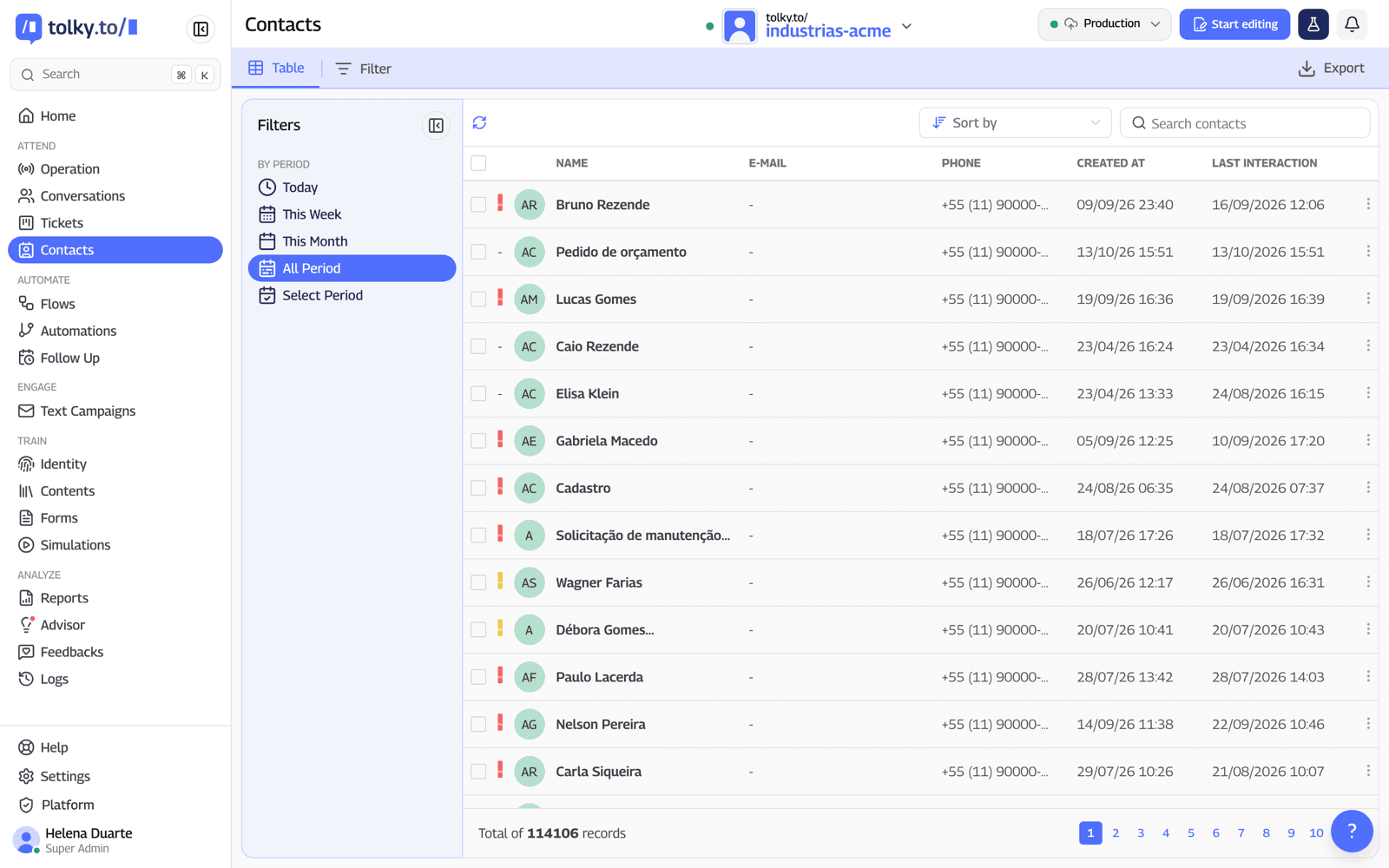
What Tolky does not do: it does not read your product usage on its own, because the signals depend on you sending the events; it has no native Salesforce or Pipefy integration; and Meta's fees are not included in the plan. See other uses in the sales area.
Frequently asked questions
Can an AI agent qualify B2B SaaS trial leads?
Yes, when the company defines the criteria and the routing rule. The agent talks to every signup, records the answers in the CRM and passes the leads with fit to sales. The sales decision stays with people.
Does the AI agent replace the SDR during the trial?
No. The agent handles the volume: it reaches every signup, separates browsers from buyers and books the demo. The SDR runs the meeting, negotiates and decides with the context the agent collected.
What questions should the agent ask to qualify a trial?
Start with the use case, then team size, role in the decision, timeline and current tool. Four to six criteria are enough. Budget tends to work poorly in a trial, because the person does not know the price yet.
Do I need to integrate the product for the agent to read usage signals?
Yes. The signals depend on the product sending events by webhook or API. Without that, the agent qualifies through conversation alone, which already covers outreach and criteria collection.
Can the agent reach trial leads on WhatsApp?
Yes, if the person gave opt-in at signup. The company's first message outside the 24-hour window must be a Meta-approved template. Once the person replies, the conversation continues freely.
How much does it cost to use Tolky to qualify trials?
Tolky charges per conversation, with AI included in every conversation, and Meta's fees are billed separately. Each plan's pricing is on the pricing page.
Conclusion
A trial without a conversation is a signup waiting for the clock to run out. An AI agent for SaaS reaches every person on day one, applies the criteria sales recognizes, books the demo and hands over the lead with context. Start with a few criteria, a written rule and a baseline to compare against.
See the plans, explore Tolky's CRM, see the HubSpot integration or talk to the team →. Let's talk?
Share
Tags
- ai agent qualify b2b saas trial leads
- ai agent for saas
- qualify trial leads with ai
- b2b lead qualification
- saas free trial conversion
- ai sdr
- qualified lead
About the author

Co-founder of Tolky
Marlos Carmo is an AI entrepreneur and founder of Tolky, the conversational-era infrastructure and AI CRM that unifies intelligent service, multi-channel support (such as WhatsApp and voice), live CRM, and operational intelligence in a single ecosystem. He is a finalist for the SXSW Innovation Awards and a member of Francesco's Economy, a global network of young entrepreneurs focused on innovation and social impact. He works connecting Artificial Intelligence and digital transformation in projects for large organizations.
Next step
Want to bring this to your operation?
Tati, Tolky's AI assistant, understands your scenario in a few questions, suggests the best path and connects you with someone from the team, with full context.
Share