WhatsApp bulk messagingthat keeps going in the conversation.
In Tolky, bulk messaging is a campaign: you pick the audience, write the message or let the AI personalize each one, and the AI talks with whoever replies. Text campaigns go out on WhatsApp, Microsoft Teams and email, and voice campaigns on WhatsApp and the phone network.
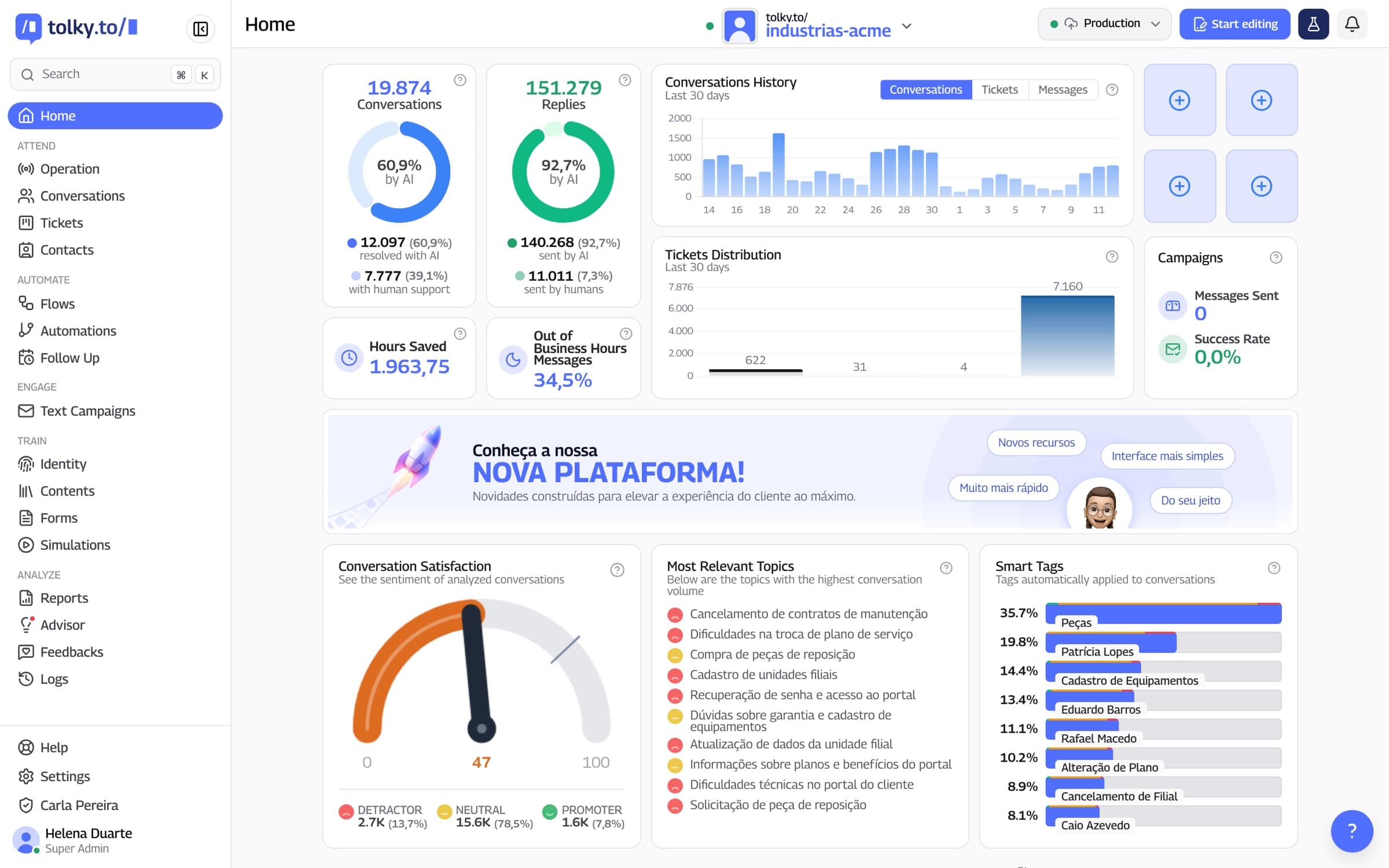
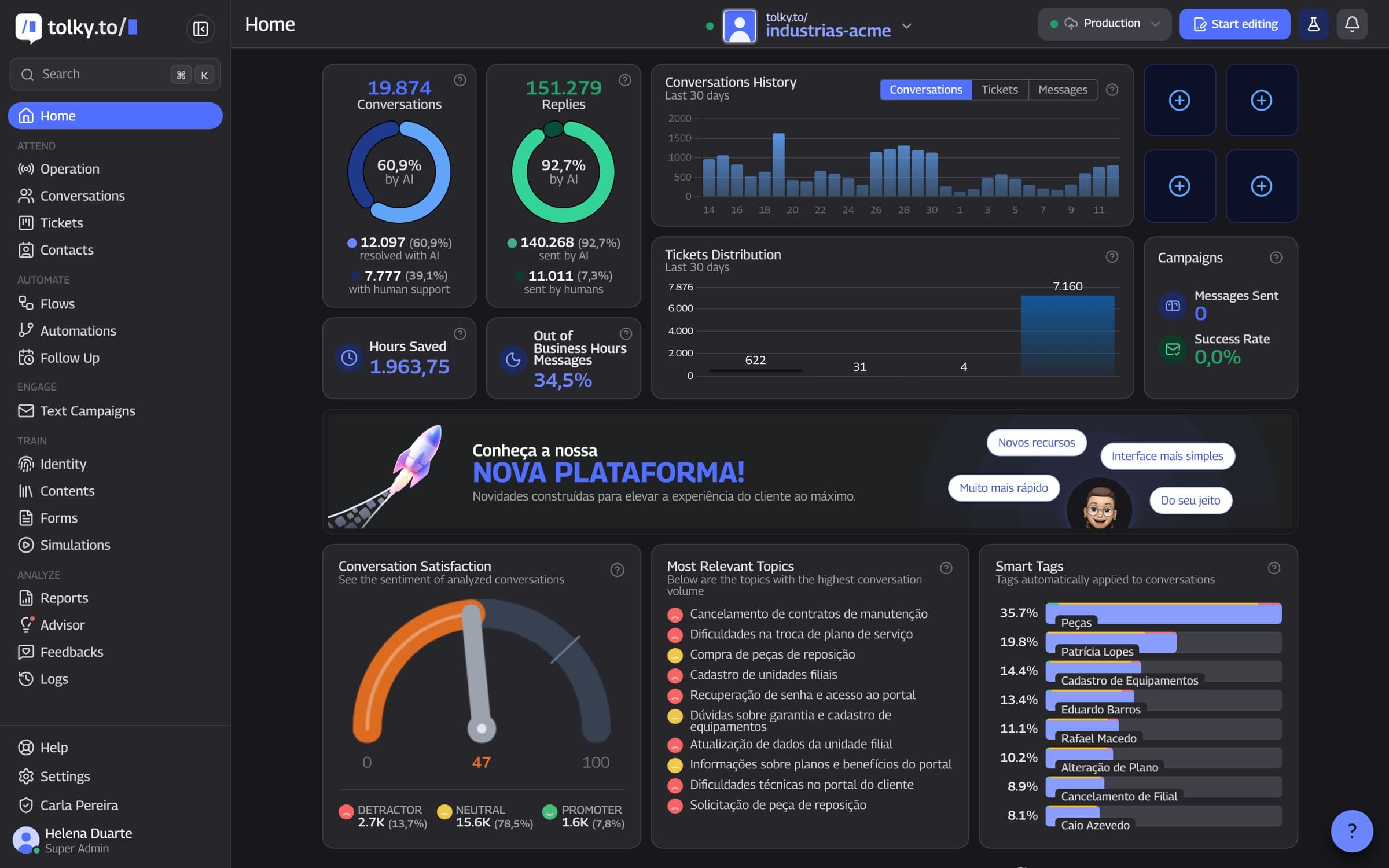
What WhatsApp bulk messaging is
WhatsApp bulk messaging is sending one message to many contacts at once, through the official API. In Tolky, it happens inside a campaign: the audience comes from a spreadsheet, individual contacts or the CRM, the message is fixed or personalized by the AI, and whoever replies lands in a conversation. Outside the 24-hour window, WhatsApp requires a Meta-approved template.
At a glance
- Text channels
- WhatsApp, Microsoft Teams and email
- Voice channels
- WhatsApp and the phone network
- When the contact replies
- The AI talks following the campaign instructions, or the conversation goes to the operators you choose
From spreadsheet to conversation
Step 01
Set the goal
Engage, convert, inform or reactivate: the goal guides the message.
Step 02
Choose the audience
XLS or CSV spreadsheet, individual contacts or CRM opportunities.
Step 03
Write it or let the AI write it
Approved template or free message, with variables, media and a Pix button.
Step 04
The AI handles the replies
With the campaign instructions, the AI talks or hands off to the team.
Step 01
Set the goal
Engage, convert, inform or reactivate: the goal guides the message.
Step 02
Choose the audience
XLS or CSV spreadsheet, individual contacts or CRM opportunities.
Step 03
Write it or let the AI write it
Approved template or free message, with variables, media and a Pix button.
Step 04
The AI handles the replies
With the campaign instructions, the AI talks or hands off to the team.
How bulk messaging works in Tolky
Seven capabilities set a campaign apart from a loose send. All of them exist in the platform today.
01
Channels
Text on WhatsApp, Teams and email; voice on WhatsApp and the phone network
One text campaign goes out through WhatsApp, Microsoft Teams or email. Voice campaigns are outbound calls on WhatsApp or the phone network. SMS and Instagram are coming soon and are left out of this page.
Text: WhatsApp, Microsoft Teams and email
Voice: WhatsApp and the phone network
SMS and Instagram: coming soon
02
Audience
The list comes from a spreadsheet or the CRM
Import an XLS or CSV spreadsheet, add individual contacts or select opportunities in the CRM pipeline. Message variables link to spreadsheet columns, with a fallback value when a cell is empty.
XLS or CSV spreadsheet
Individual contacts
CRM opportunities
03
Templates and free messages
Meta-approved template on WhatsApp
On WhatsApp, the campaign uses a Meta-approved template or a free message, depending on the conversation window. Meta's approval applies only to WhatsApp: there are no approved templates on Teams or email. You can add header media and send a test before publishing.
Meta-approved template, WhatsApp only
Image, video or document in the header
Test send before publishing
04
24-hour window
Free message inside the window, template outside
The 24-hour window counts from the customer's last message. Inside it, WhatsApp accepts a free message; outside it, the conversation restarts with an approved template. Message costs follow Meta's price list, charged separately.
Free message inside the window
Approved template to restart outside it
Meta fees charged separately
05
Personalization
One message for each contact
Use spreadsheet variables or let the AI write each contact's message from the available data, with a preview and a test send. The copy-Pix-code button can be fixed or different for each contact.
Variables linked to columns
Text written by the AI for each contact
Copy-Pix-code button
06
Clean list
Nobody gets it twice
Before sending, Tolky flags numbers with and without the extra nine and duplicate rows in the spreadsheet, and the campaign only goes out once everything is resolved. Contacts identified as not interested are left out, and the platform shows how many were removed. Send only to people who agreed to receive messages from the company.
Numbers with and without the extra nine
Duplicate rows resolved before sending
Uninterested contacts left off the list
07
Replies and results
The AI talks and you follow along
Whoever replies to the campaign talks with the AI, which follows the campaign's own instructions, or goes straight to chosen operators. Results show messages sent, delivered, read and failed, with a daily history.
AI instructions just for the campaign
Option to pause the AI on replies
Sent, delivered, read and failed per day
Manual sending or a Tolky campaign: what changes
The table compares sending by hand, copying and pasting, with a Tolky campaign.
| Situation | Manual sending | Tolky campaign |
|---|---|---|
| Personalizing the message | The same message for everyone | Spreadsheet variables or text written by the AI for each contact |
| List with repeated numbers | The contact may get it twice | Tolky flags duplicates and numbers with and without the extra nine before sending |
| Writing outside the 24-hour window | Depends on remembering the rule | Meta-approved template to restart the conversation on WhatsApp |
| Someone replies | The reply lands on the sender's phone | The AI talks following the campaign instructions, or it goes to the chosen operators |
| Pix payment | Copy and paste the key | Copy-Pix-code button, fixed or per contact |
| Measuring results | No report | Sent, delivered, read and failed, with a daily history |
Frequently asked questions
It is sending one message to many contacts at once. In Tolky, it is done through a campaign, on the official WhatsApp API, with an audience from a spreadsheet or the CRM and the AI talking with whoever replies.
Text campaigns go out on WhatsApp, Microsoft Teams and email. Voice campaigns go out on WhatsApp and the phone network. There are no SMS campaigns.
On WhatsApp, outside the 24-hour window, yes. The Meta-approved template applies only to WhatsApp. There are no approved templates on Teams or email.
It is the 24 hours after the customer's last message. Inside it, the company can send a free message; outside it, it needs an approved template.
Yes. Use variables linked to spreadsheet columns or let the AI write each contact's message from the available data.
The AI talks following the campaign instructions. You can also pause the AI on replies and send the conversation to chosen operators.
Before sending, Tolky flags numbers with and without the extra nine and duplicate rows in the spreadsheet, and the campaign only goes out once everything is resolved.
Tolky bills per conversation. The Individual plan is free, with 150 conversations a month; Starter costs $90 a month and Professional $450 a month. Meta's WhatsApp fees are charged separately.
The same feature, other angles.
Solution
Text CampaignsWhatsApp, Teams and email campaigns with AI-personalized messages and a conversation when the contact replies.
Feature
WhatsApp CRMHow Tolky's CRM works on WhatsApp: contacts with history, pipeline, proposals and activities filled in from conversations, with a native HubSpot integration.
Feature
WhatsApp AI chatbotHow Tolky's AI agent works on WhatsApp: missions, knowledge base, limits, actions, voice notes and handoff to a person.
Pricing
Plans and pricingBilled per conversation, with a free plan to start. Meta's WhatsApp fees are charged separately.

Your next campaign canbecome a conversation.
Book a demo and see a Tolky campaign from spreadsheet to reply, with the AI talking with each contact.