AI Without Integration Becomes FAQ: It Talks but Does Not Resolve
AI integration with systems separates those who converse from those who resolve. See why AI without CRM, ERP or tickets becomes FAQ and how to connect it to real sales, support and billing.

Marlos Carmo
Founder of Tolky
Updated on November 15, 2026
Share
It's 10:42 a.m. on a Wednesday. A customer messages on WhatsApp: "I need a duplicate invoice for contract 2847, due tomorrow."
The AI replies in 4 seconds, polite tone, impeccable grammar: "To get a duplicate invoice, visit our billing portal or call 0800 between 9 a.m. and 6 p.m."
The customer replies: "I already tried the portal. It can't find my tax ID." The AI insists with another email address. Three messages later, the customer gives up. At 11:07, a human agent opens the system, finds the invoice in 40 seconds and sends the PDF.
The AI "worked": it answered fast and was courteous. The operation failed, because nobody connected the conversation to the billing system. The problem is rarely the language model. It is the lack of AI integration with systems.
An AI that cannot access systems talks, but does not operate. A nice answer does not pay an invoice, open a ticket or update the CRM.

1. The problem: answering well is not resolving well
A nice answer is a marketing criterion. Resolution is an operations criterion. For the CX manager, the difference shows up in the metrics:
| Answers well | Resolves well |
|---|---|
| Low response time | Low resolution time |
| Customer receives text | Customer receives a result |
| High message volume | Low repeat-contact rate |
FAQs, knowledge bases and RAG (Retrieval-Augmented Generation) are very valuable for stable questions ("what is the deadline?", "which documents do I send?"). The limit appears when the request needs specific data ("what is my invoice amount?") or an action in the system. Without integration, the AI can only generalize, and generalizing on a specific case sounds like passing the problem along.
2. RAG and API: each in its place
It is not RAG or API. It is RAG and API.
- RAG / knowledge base: answers with company-approved content (policies, procedures) and reduces the risk of the AI inventing conditions. Ideal for "how does the warranty work?".
- API / integration: queries and changes transactional data and executes actions. Ideal for "my order status" and "duplicate invoice".
Together: the AI uses RAG to explain the exchange policy and the API to check whether that order is eligible. Governance on both sides: authorized sources in RAG, permissions and limits on the APIs.
3. What the AI should query, record and trigger
A simple map for designing an operational agent:
| System | Query | Record | Trigger |
|---|---|---|---|
| CRM | Profile, stage, history | Interaction, qualification, notes | Create lead, update stage |
| ERP / billing | Order, contract, invoice | Payment promise | Send duplicate invoice, payment link |
| Helpdesk | Ticket and SLA | Contact reason | Open, update, escalate |
| Calendar | Availability | Booking | Send the scheduling link |
| Knowledge base | Policies and manuals | n/a | n/a |
Each action depends on the integration configured in the project and on the permissions the company defines: what the AI may read, what it may write and what requires human approval. This applies to sales (lead stage), support (ticket status), collections (open invoices) and relationship (NPS survey at the right moment).
4. An end-to-end case: the duplicate invoice
Back to the customer on contract 2847, the integrated flow has five steps:
- RAG finds the policy: the AI confirms the rules for duplicate invoices and due dates.
- API locates the invoice: with the contract provided, it queries the billing system.
- Customer authentication: before sending any data, it confirms identity (tax ID + registered phone).
- Delivery and logging: sends the PDF or payment link and logs the interaction in the CRM or ticket.
- Failure branch: if billing is down, the AI does not make things up. It says something like: "I'm having trouble reaching the billing system. I opened protocol 73190 and an agent will get back to you within [deadline defined by your operation]." The agent receives the summary and protocol, and the customer does not start over.
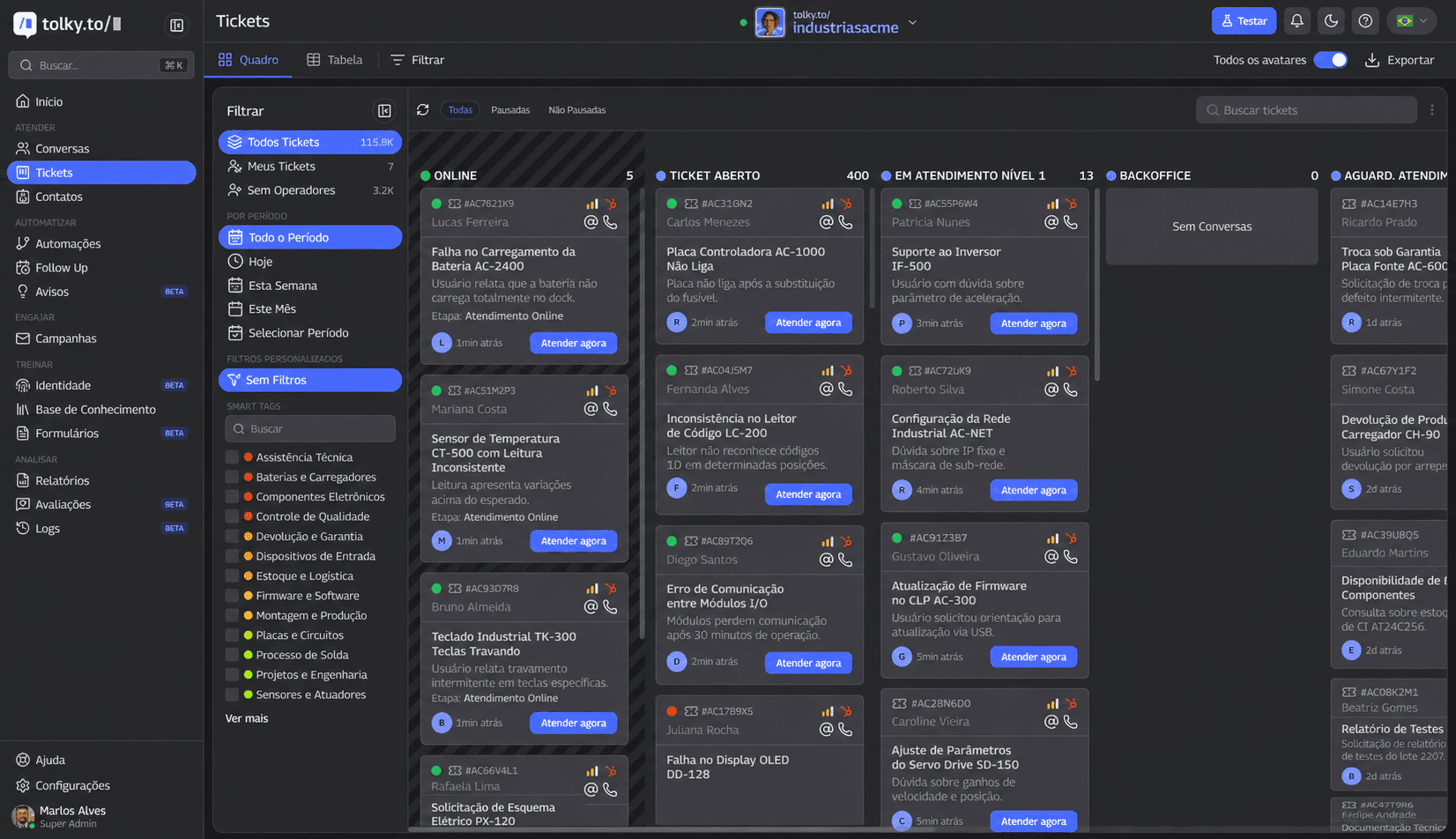
That last branch is the differentiator: an integrated AI does not only solve the happy path, it fails safely, with a protocol and context. Want to see this case running on your own data? Request a demo and see the plans.
5. Checklist: is your AI integrated or just answering questions?
Quick self-assessment (answer yes or no):
- Does the AI query real customer data (order, contract, invoice)?
- Does the AI access the CRM and record what happened in the conversation?
- Does the AI open or update tickets?
- Does the human agent receive history and a summary before taking over?
- Are there clear limits on what the AI may answer and trigger?
- Do the channels (WhatsApp, webchat) share the same history?
More than three "no" answers suggests you have a conversational FAQ, not AI integration with systems. To track progress, monitor resolution rate, repeat contact within 48h, average resolution time and automatically opened tickets. In structured cases, resolution time drops from hours to minutes or seconds, but the real gain only shows once you measure your own operation.
How Tolky approaches this
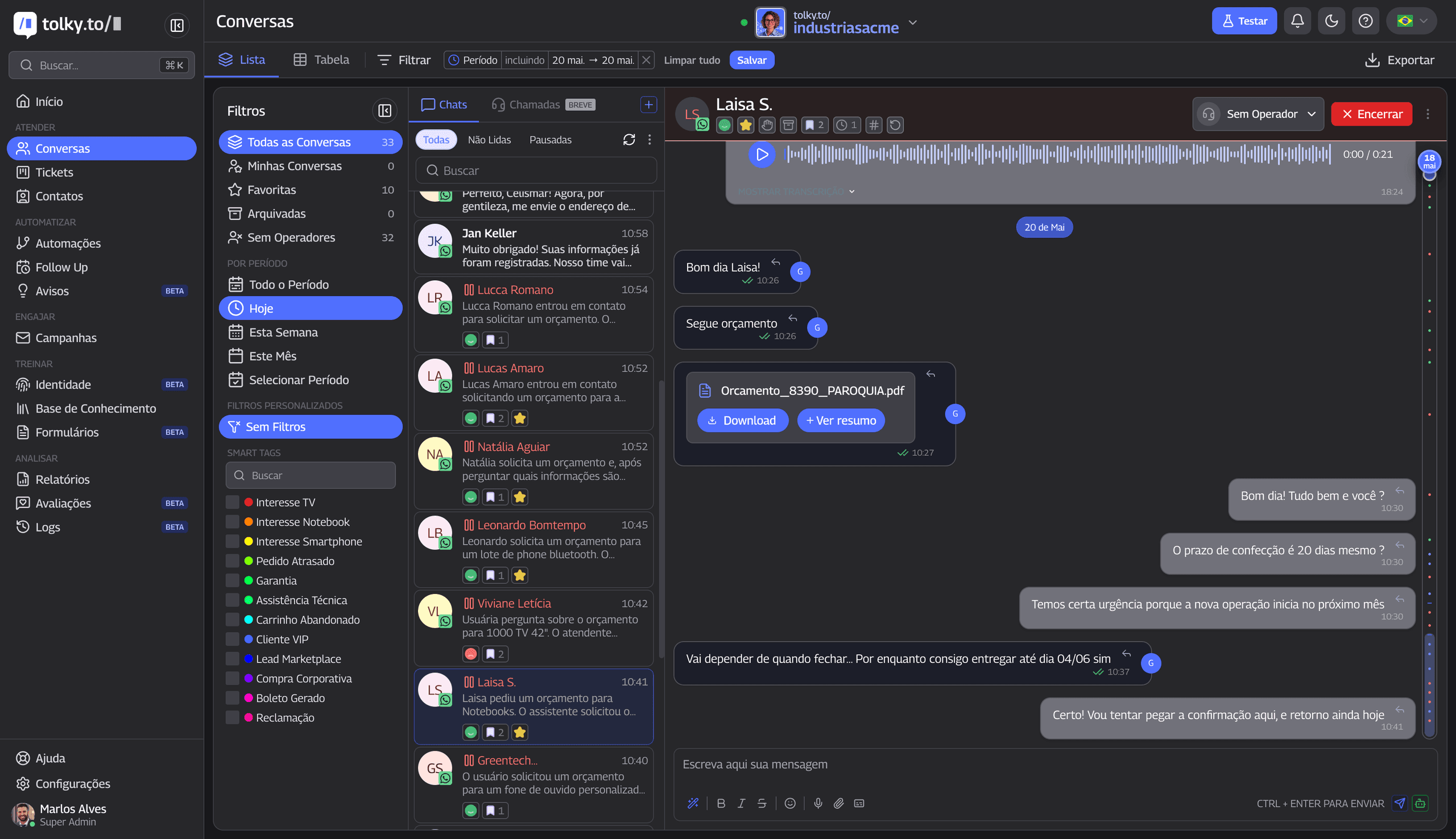
Tolky starts from one premise: conversational AI without integration is an FAQ with a nice interface. The platform brings AI agents, CRM, tickets, the human team and a knowledge base into one panel, with service on WhatsApp and webchat. Integration with CRM, ERP and internal systems is done via API, depending on the plan and the project (see pricing).
For the technical angle (tool contracts, timeouts, idempotency), read integrating conversational AI with legacy systems, CRM and ERP. For the definition, see Conversational AI is not a chatbot and conversational CRM. Agent orchestration and automation without losing humanity complete the topic; to pick a vendor, see how to choose a platform and omnichannel.
Talk to the Tolky team and find out whether your AI converses or resolves. If you are comparing vendors, see the comparisons.
Frequently asked questions
What does it mean to integrate AI with systems?
It means connecting the conversational layer (WhatsApp, webchat) to CRM, ERP, billing and helpdesk via API, so the AI can query real data, record interactions and trigger flows, not just generate text.
Does AI without integration work?
It works for generic questions and shallow qualification. It fails when the customer needs specific data or an action in the system, which is most of mature B2B service.
What is the difference between integrated AI and a common chatbot?
A common chatbot follows scripts or an FAQ. Integrated AI understands intent, keeps context, queries systems and executes actions within rules. The difference is operational, not only linguistic.
Does integrated AI replace human service?
No. It reduces repetitive work and frees people for negotiation, exceptions and relationships, with full context when they take over the conversation.
Share
Tags
- ai system integration
- #conversational ai
- #ai customer service
- crm integration
- erp integration
- #ai agent
- #ai helpdesk
- #customer service automation
- #ticket management
- #ai crm
- rag
- intelligent customer service
Cited in
- How to Choose an AI Agent for WhatsApp: A 12-Question Checklist
- Integrate HubSpot with a WhatsApp AI Agent: Step by Step
- AI Models Are Becoming Commodities: Operation Is the Real Advantage
- Conversational AI at Scale: What Powers High-Volume B2B Conversations
- AI Governance in Customer Service: Scale Conversations with Control
- Using AI to Scale Chaos: Conversational AI Needs Governance
- Conversational AI Integration with Legacy Systems: CRM, ERP, APIs
- What Is an AI Agent? A Guide to Autonomous Agents (updated for 2026)
- Custom GPTs in ChatGPT: What Changed and How to Migrate to Plugins
- Generative AI Customer Service: The Guide for Companies
- AI Agent Orchestration: Architecture and Best Practices
About the author
Marlos Carmo
Founder of Tolky
Marlos Carmo is an AI entrepreneur and founder of Tolky, the conversational-era infrastructure and AI CRM that unifies intelligent service, multi-channel support (such as WhatsApp and voice), live CRM, and operational intelligence in a single ecosystem. He is a finalist for the SXSW Innovation Awards and a member of Francesco's Economy, a global network of young entrepreneurs focused on innovation and social impact. He works connecting Artificial Intelligence and digital transformation in projects for large organizations.
Next step
Want to bring this to your operation?
Tati, Tolky's AI assistant, understands your scenario in a few questions, suggests the best path and connects you with someone from the team, with full context.