Inbound vs outbound IVR: differences, examples and when to use each
The difference between inbound and outbound IVR, examples by industry, how to build a phone IVR that works, what an IVR looks like on WhatsApp and what AI changes.
TL;DR
Inbound IVR answers people who call the company and routes the call; outbound IVR is the company calling customers with an automated message. Inbound organizes what comes in (menu, self-service, queue), outbound handles notices and campaigns. With AI, inbound becomes a semantic IVR or voice agent, and outbound becomes a voice campaign that actually talks.
Share
Every company that answers the phone ends up with an IVR, even if it never uses the name: the recording that says "for billing, press 2" is one. The common question is when it should answer and when it should call, and whether the same logic works on WhatsApp.
This guide separates outbound from inbound IVR, shows examples by industry, gives a checklist for building a phone IVR and explains what AI changes on both sides.
Updated November 2026.
What is an IVR?
An IVR (interactive voice response) is the system that talks to the person on a call through recorded or synthesized messages and understands answers by keypad or, in AI versions, by voice. In Brazil it is called URA. The full term is in the IVR glossary.
IVR was born to organize the contact center: instead of a person answering every call and asking the topic, the machine does the triage. Over time it gained self-service (payment slips, balance, order status) and started being used to call customers too. Hence the split between inbound and outbound.
What is inbound IVR?
Inbound IVR answers incoming calls: it greets the customer, presents a menu and routes the call to self-service or to the right queue. It is the classic customer service IVR most people know.


In practice, inbound IVR plays four roles:
- Triage. It asks for the topic and sends the call to the right queue, such as billing, support or sales.
- Identification. It asks for an ID, order number or contract number before passing the call on.
- Self-service. It resolves simple requests without an agent, such as a payment slip or opening hours.
- After hours. It gives the opening hours, logs the request or offers another channel.
The weak spot shows when the menu is long, the options do not cover the customer's case or the way out to a person is hidden. That is where the call that ends in "press 0" over and over comes from.
What is outbound IVR?
Outbound IVR makes calls: the company dials a list, plays an automated message and offers keypad options. In Brazil it is called URA reversa, covered in outbound IVR; when it only plays the message, it is a voice broadcast.
The most common uses are due-date reminders, appointment confirmations, operational notices, short surveys and sales offers. Outbound IVR has its own rules in Brazil, such as the telecom regulator Anatel's measures against abusive calls and the Não Me Perturbe registry; the outbound IVR post has the sources and dates. Rules vary by country, so check yours.
What is the difference between inbound and outbound IVR?
The difference between inbound and outbound IVR is who starts the call: with inbound, the customer calls and the IVR answers; with outbound, the company calls and the IVR speaks first. That changes the goal, the metrics and the rules that apply.
| Criterion | Inbound IVR | Outbound IVR |
|---|---|---|
| Who calls | The customer | The company |
| Goal | Route or resolve the customer's request | Notify, confirm, collect or sell |
| Timing | When the customer needs it | When the company decides |
| Pain point | Long menu and a hidden way out to a person | Rejection and calls dropped within seconds |
| Metrics | First contact resolution, wait time, abandonment | Answer rate, goal reached, opt-out |
| Rules in Brazil | Customer service (SAC) decree, for covered sectors | Anatel, Não Me Perturbe and sector rules |
| AI version | Semantic IVR or voice agent | AI voice campaign |
For inbound metrics, see FCR and AHT. For outbound, the metric that matters is goals reached per answered call, not dialed volume.
What Brazil's new SAC decree changes for inbound IVR
Brazil's Decree No. 13,135 of October 9, 2026 regulates customer service (SAC) for providers of federally regulated services and digital financial services supervised by the Central Bank (Planalto, checked on November 20, 2026). For these companies, human phone service runs from 8 a.m. to 8 p.m. every day and may be preceded by an electronic menu. From the first level, consumers must be told they can choose a person, and immediate cancellation and human service must be available at every level.
The decree also allows AI for triage, routing and resolution, as long as the consumer keeps the option of real-time human service. It also states that sales and contracting are not SAC. This is a Brazilian rule; other countries have their own. If your company is in scope, review your inbound IVR menu with legal counsel.
IVR examples by industry
The examples show the pattern: inbound IVR absorbs frequent incoming requests, and outbound IVR handles notices and confirmations the company needs to make. The table sums up typical cases.
| Industry | Inbound IVR | Outbound IVR |
|---|---|---|
| Healthcare | Book, reschedule, reach the front desk | Confirm the appointment the day before |
| Financial services | Payment slip, balance, cancellation | Due-date reminder, collections |
| Education | Enrollment, billing, registrar | Re-enrollment or tuition notice |
| Retail and e-commerce | Order status, exchange, return | Delivery notice, post-purchase survey |
| Vehicle protection | 24-hour assistance, claims | Renewal, open invoice |
| Real estate | Property inquiry, visit | Visit confirmation |
Notice that the same topic shows up on both sides: the clinic confirms the appointment through outbound IVR and receives the reschedule through inbound. That is why both work better when they share the same customer history.
How do you build a good phone IVR?
A good phone IVR has a short menu, a clear way out to a person, identification only when needed and a plan for after hours. The steps below work whether you are reviewing an old IVR or replacing it with AI.
- List the call reasons. Use your contact center logs and keep the five or six most frequent.
- Cut the menu. Few options at the first level, with the topic before the number ("for a payment slip, press 1").
- Guarantee a human exit. The option to reach a person must be easy to find, and in Brazil it is mandatory for companies under the SAC decree.
- Ask for data once. Whatever the customer typed in the IVR must reach the agent.
- Plan for after hours. Give the hours, log the request and offer another channel, such as WhatsApp.
- Measure and review. Track abandonment by option and transfer reasons every month.
Is there an IVR for WhatsApp?
Yes: on WhatsApp, the IVR shows up as an automated options menu or as an AI agent that understands free-form messages. Both do the triage inbound IVR does on the phone, with very different results.


Options menu on WhatsApp
The numbered menu ("reply 1 for billing") is the keypad IVR moved to text. It is simple to build and predictable, but it inherits the same problems: a customer who writes "I want to cancel and talk about the charge" does not fit a single option. See how it works in WhatsApp chatbot.
AI agent on WhatsApp
The AI agent reads the message as it comes, understands the intent and resolves or hands off with context. In Tolky, the agent also understands incoming voice notes and can reply with audio when configured, and calls placed with the WhatsApp call button can be answered by the same AI, on activation. Meta's rules for AI on WhatsApp are in does WhatsApp ban AI chatbots?, and the text channel is in WhatsApp customer service.
How does AI change inbound and outbound IVR?
AI changes both IVRs the same way: it swaps the keypad for natural speech and the fixed script for a conversation with a goal, while keeping the handoff to a person. The practical effect differs on each side.
Inbound: semantic IVR and voice agent
On the inbound side, a semantic IVR understands what the customer says ("I need my payment slip") and routes or resolves without a menu. A voice agent goes further: it talks from start to finish, checks systems and hands off with the transcript. The details are in smart IVR and in AI voice and semantic IVR.
Outbound: voice campaign
On the outbound side, the AI calls, introduces itself, understands the spoken answer, handles objections and pursues a goal, such as confirming, booking or qualifying. Instead of counting how many pressed 1, you track goals reached and transfers. See the full comparison in outbound IVR.
Where does Tolky fit in?
Tolky fits in with Voice Customer Service: the AI answers calls on WhatsApp, on phone lines and by voice on your website, talks in natural language and hands off to your team when the case calls for it. Voice is enabled on activation, with the number you choose and one agent per number. The features are on Voice Customer Service.
- Natural conversation. Regional voices and accents, an opening greeting and shorter answers; the customer can interrupt the AI.
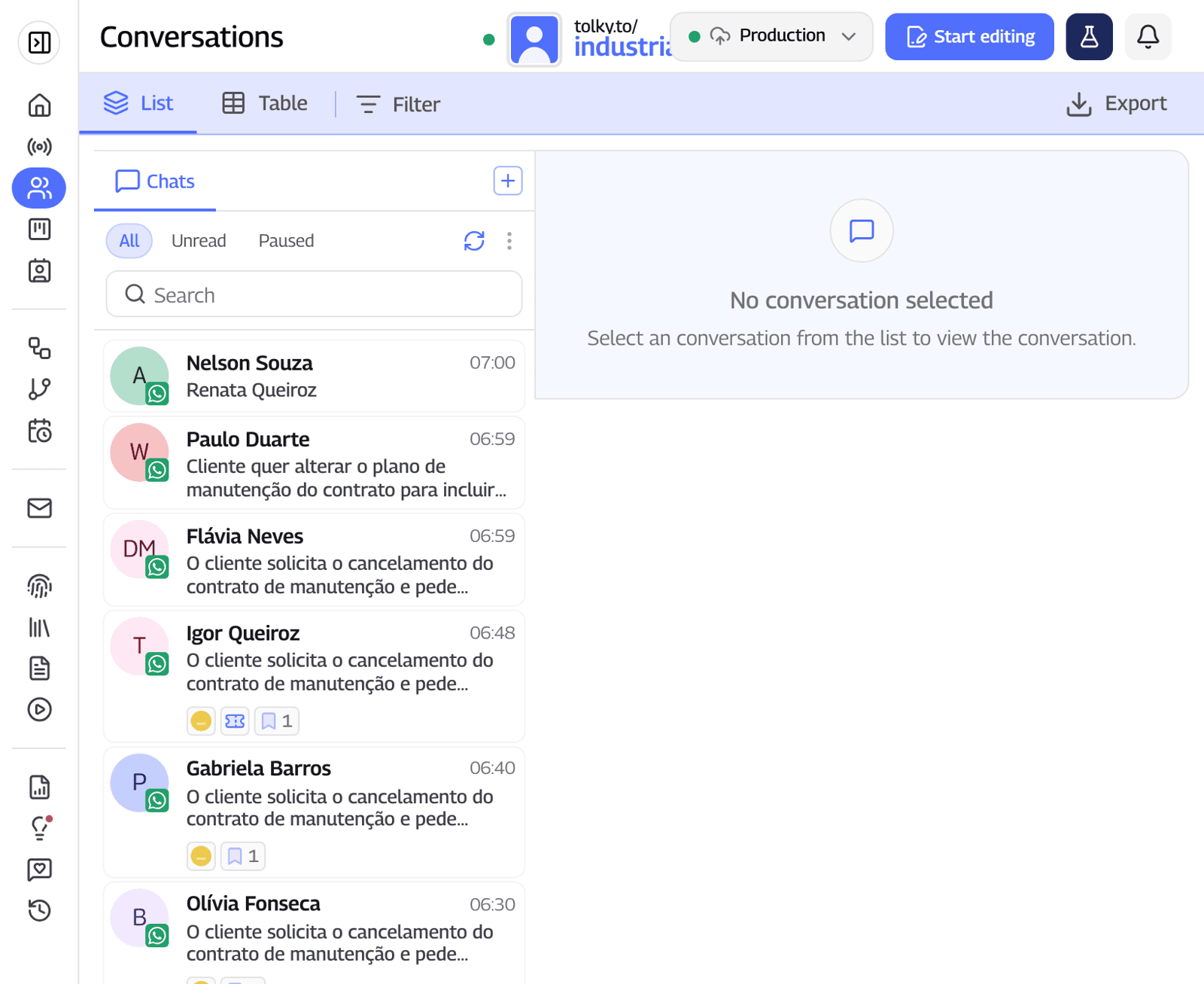
- Team close by. Calls show up live, filtered by AI or person, and the team can listen in; when an operator joins the audio, the AI goes silent.
- Transfers that do not get lost. If the assigned person does not pick up, the call rings other operators, and there is an alert when the customer asks for an agent.
- One history. The transcript lands in the contact history, next to the WhatsApp text conversations.
For the outbound side, Voice Campaigns call your list through WhatsApp or phone lines, with a script, a goal and a do-not-call list. What Tolky does not do: it is not a voiceover or voice cloning tool, and it does not replace a legal review of your menu when the SAC decree applies.
Frequently asked questions
What is the difference between inbound and outbound IVR?
With inbound IVR, the customer calls and the IVR answers, routes or resolves. With outbound IVR, the company calls the customer with an automated message to notify, confirm, collect or sell.
Is outbound IVR the same as voice broadcast?
Close, but not identical. Outbound IVR usually adds keypad options and transfer to an agent; voice broadcast typically just plays the message.
What is an automated phone attendant?
It is an inbound IVR that resolves part of the calls without an agent, such as payment slips, balance or order status, and routes the rest to the right queue.
Can you have an IVR on WhatsApp?
Yes, as a numbered options menu or as an AI agent that understands free-form messages. The agent usually resolves more, because it does not force the customer to pick an option.
Does an IVR need an option to talk to a person?
In Brazil, for providers covered by Decree No. 13,135/2026, yes: consumers must be told at the first level that they can choose a human agent. Elsewhere, rules vary by country, and hiding that exit raises abandonment anyway.
Does AI replace the IVR?
AI replaces the keypad menu, not the IVR's job. It still does triage and self-service, only through conversation, and hands off to a person when the case calls for it.
Conclusion
Inbound IVR organizes who comes in and outbound IVR takes the company to the customer; both work better with a short menu, a clear way out to a person and a shared history. With AI, inbound becomes a conversation on the phone and on WhatsApp, and outbound becomes a voice campaign with a goal.
Explore Voice Customer Service, see Voice Campaigns, see the plans or talk to the team →. Let's talk?
Share
Tags
- inbound vs outbound ivr
- customer service ivr
- automated phone attendant
- phone ivr system
- ivr for whatsapp
- #semantic ivr
- #ai voice agent
- #conversational CRM
About the author

Co-founder of Tolky
Marlos Carmo is an AI entrepreneur and founder of Tolky, the conversational-era infrastructure and AI CRM that unifies intelligent service, multi-channel support (such as WhatsApp and voice), live CRM, and operational intelligence in a single ecosystem. He is a finalist for the SXSW Innovation Awards and a member of Francesco's Economy, a global network of young entrepreneurs focused on innovation and social impact. He works connecting Artificial Intelligence and digital transformation in projects for large organizations.
Next step
Want to bring this to your operation?
Tati, Tolky's AI assistant, understands your scenario in a few questions, suggests the best path and connects you with someone from the team, with full context.
Share