WhatsApp Flows: what it is, what it is for and use case examples
What WhatsApp Flows is, how multi-screen forms work inside the chat, use case examples, requirements, cost, limits and how it differs from an AI agent and from automation flows.
TL;DR
WhatsApp Flows is a feature of the official WhatsApp Business Platform for building one-screen or multi-screen forms that open inside the chat, with fields, lists, dates and buttons. Customers fill them in without leaving the app and the business gets structured data. A Flow is sent as an interactive message within the 24-hour window or through an approved template outside it, and the message follows Meta's regular pricing.
Share
Any business that serves customers on WhatsApp knows the back-and-forth needed to collect simple data: the name, then the ID number, then the date, then the corrected date. WhatsApp Flows is Meta's answer to that: a form that opens inside the chat and sends everything back at once.
This guide covers how it works, examples, requirements, cost and limits, based on Meta's official documentation checked on November 19, 2026, and separates three things that often get confused: Flows, AI agents and automation flows.
Updated in November 2026.
What is WhatsApp Flows?
WhatsApp Flows is a feature of the official WhatsApp Business API for building interactive forms, with one or more screens, that customers fill in inside the chat without leaving the app. Meta's documentation describes it as a way to build structured interactions for business messaging.
In practice, the customer taps a button in the message and a window opens with text fields, option lists, date pickers and a submit button. When they finish, the answers come back to the business as structured data, not loose sentences. See the term WhatsApp Flows in the glossary.
A note to avoid confusion: Tolky's Flows are something else. They are internal automations in the platform, with triggers, conditions and actions, not Meta forms that open on the customer's phone. The difference is detailed further down.
How does WhatsApp Flows work?
A WhatsApp Flow is a set of screens, each with components, defined in a file called Flow JSON, which may or may not fetch data from the business's server while the customer fills it in. Meta sums up the structure as screens, components and navigation rules.


- Screens. Each screen is a page of the form. The customer moves forward, goes back and submits on the last one.
- Components. According to the components reference, there are headings and text, short and long text inputs, checkboxes, radio buttons, dropdowns, date and calendar pickers, images, opt-in, a navigation list and a footer with the action button.
- Flow JSON. The file that describes screens, components and navigation. It can be written by hand or generated by Meta's visual editor.
- Endpoint (optional). When the form needs live data, such as open slots in a calendar, the Flow calls a business server. That server must use HTTPS with a valid certificate, encrypt the exchanges and answer Meta's health checks, according to the endpoint guide. Forms with fixed options do not need an endpoint.
Each Flow moves through states. It starts as a draft, which can only be sent for testing, and becomes published when it is ready for real customers. Meta can throttle or block a Flow whose endpoint becomes unhealthy, and a deprecated Flow can no longer be sent, as the lifecycle documentation explains.
How does a Flow reach the customer?
A Flow reaches the customer inside a message: as an interactive message if the 24-hour window is open, or as an approved template with a Flow button if the business starts the conversation outside the window. The rule is the same as for any message on the official API.


- Within the 24-hour window. After the customer writes in, the business can send an interactive Flow message with a button that opens the form.
- Outside the window. The business uses a template with a Flow button, which must be approved before sending, as shown in Meta's sending guide.
When the customer submits the form, a response message appears in the chat and the data reaches the business through the messages webhook. To decide when to use each format, read the guide to the 24-hour window and templates.
WhatsApp Flows use case examples
WhatsApp Flows fits any data collection with a known format: scheduling, quotes, sign-ups, surveys and orders are the most common cases. Meta itself publishes ready-made guides for pre-approved loans, insurance quotes, purchase intent and personalized offers.
| Use case | What the Flow collects | Needs an endpoint? |
|---|---|---|
| Scheduling | Service, location, date and time | Yes, to show open slots |
| Quote | Profile, coverage or desired items | Yes, if the price is calculated live |
| Sign-up | Name, ID, email and consent | No, if it only saves the data at the end |
| Survey | Score, reason and comment | No |
| Order | Product, quantity, address and payment | Yes, for stock and shipping |
Illustrative examples based on the use cases in the getting started documentation, checked on November 19, 2026.
A Flow works best when the customer already knows what they want and only needs to provide data. When the person still has questions, such as "does this plan cover this test?", a form cannot answer: that is where a conversation comes in, with a person or an AI agent.
What do you need to create a WhatsApp Flow?
To create and send WhatsApp Flows, a business needs the official WhatsApp Business API (Cloud API), access to WhatsApp Manager, a verified business and good message quality. These are the prerequisites listed in Meta's getting started guide.
- Official API. Flows do not exist in the WhatsApp Business app. You need a WhatsApp Cloud API account, directly or through a provider. See how to get the official API.
- Business verification. To send Flows to customers, Meta requires a verified business and high message quality.
- Flow editor. In WhatsApp Manager, the path is Account tools, then Flows, then Create flow, according to Meta's developer blog. The editor has an interactive preview and a code editor for the Flow JSON, optional for non-developers.
- Endpoint, if needed. Forms with live data require a server with HTTPS, encryption keys and monitoring.
- Test and publish. A draft can only be sent for testing; once published, the Flow can go to customers.
How much does WhatsApp Flows cost?
Meta does not list a separate fee for Flows: the message that carries the Flow follows regular per-message pricing, by type and category. Meta's pricing page, checked on November 19, 2026, does not mention Flows.
- By template, outside the window, the send is charged by the template category (marketing, utility or authentication) and the recipient's country.
- Within the window, the interactive message counts as a service message. Since October 1, 2026, each number gets 1,000 free service messages per month, and the rest are charged.
Rates by country are in the WhatsApp Business pricing guide. Also add the cost of maintaining the endpoint, if you have one.
What are the limits of WhatsApp Flows?
The main limits of WhatsApp Flows are technical and about reach: it does not work on WhatsApp Web, it caps components per screen and it depends on endpoint health. The figures below come from the official documentation, checked on November 19, 2026.
- Devices. It works on Android 6.0 or newer and on iPhone with iOS 12 or newer. It does not work on companion devices such as WhatsApp Web (guides overview).
- Components. Up to 50 components per screen, with character limits on each field.
- File. The Flow JSON is limited to 10 MB (Flows API).
- Endpoint health. A Flow with an unhealthy endpoint can be throttled to 10 sends per hour and, if it gets worse, blocked.
- No dialogue. The form collects what was planned. It cannot answer a question outside the script.
WhatsApp Flows, AI agent and automation flows: what is the difference?
WhatsApp Flows is a form the customer fills in; an AI agent is a conversation that understands open questions and collects data in the dialogue; an automation flow is a sequence of steps the platform runs behind the scenes. All three can coexist, but they solve different problems.
| Criterion | WhatsApp Flows | Conversation with an AI agent | Automation flows (like Tolky's) |
|---|---|---|---|
| What it is | Meta form inside WhatsApp | Natural language conversation | Internal platform automation |
| Who sees it | The customer, as screens | The customer, as messages | The team, in the platform editor |
| Best for | Data with a fixed format | Questions, exceptions and collection in the dialogue | Connecting the conversation to the CRM and other systems |
| Handles off-script questions | No | Yes, within the configured limits | No, it follows the designed path |
| Where it runs | Android and iPhone, not WhatsApp Web | Any device with WhatsApp | On the server, independent of the device |
| What it requires | Flow JSON, template approval and sometimes an endpoint | Knowledge base and handoff rules | Triggers, conditions and actions |
To see how a scripted chatbot compares with an agent, read WhatsApp chatbot: how it works and how to build one. For automations, see WhatsApp automation for businesses.
Where Tolky fits
Tolky does not create or send WhatsApp Flows. Its way of collecting data is the conversation: the AI agent asks, understands the answer and saves the data to the CRM. It is a different angle, useful when data collection comes mixed with questions.
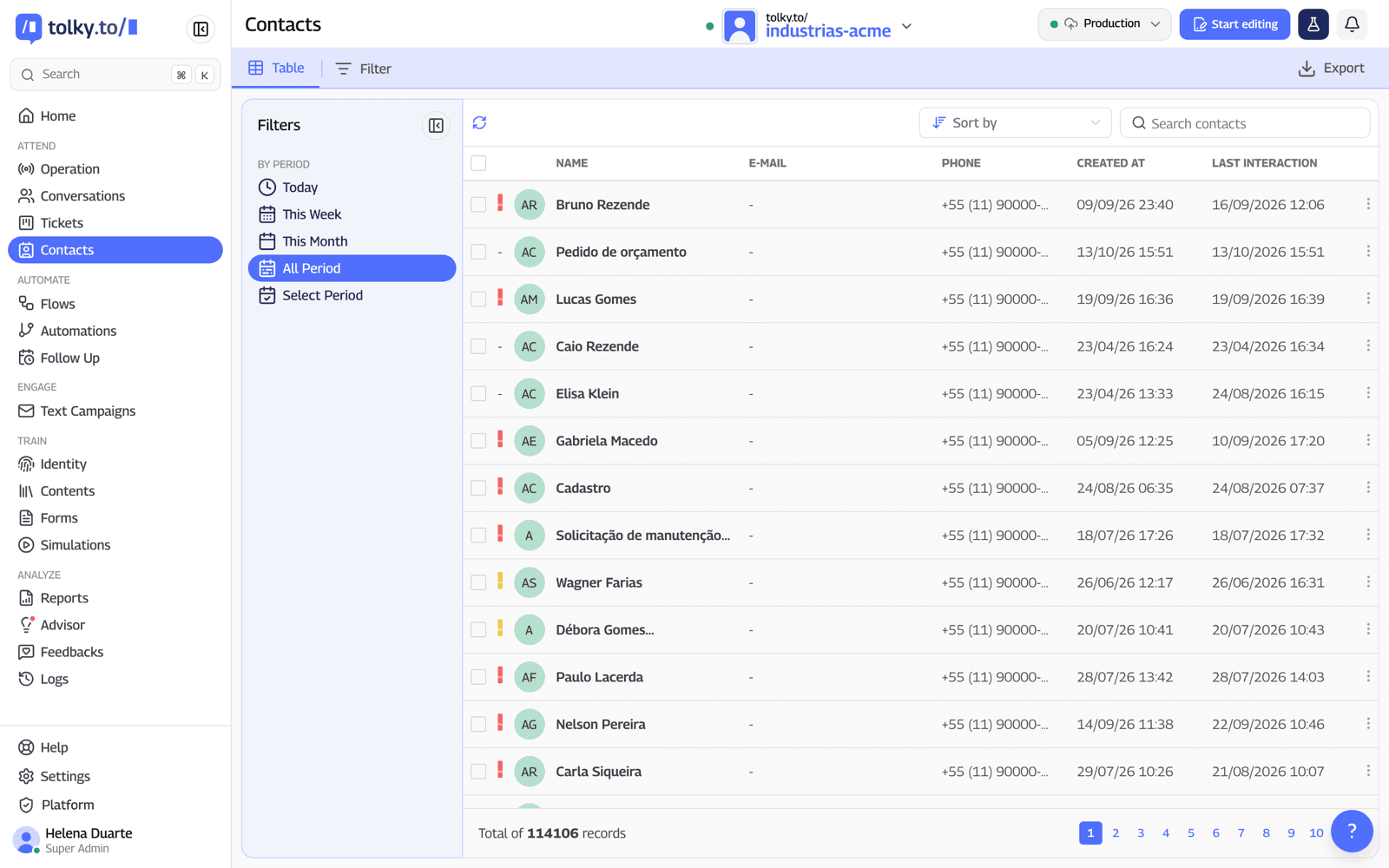
- Collection in the conversation. Tolky's AI chatbot for WhatsApp collects data with the platform's own forms, filled in during the dialogue, opens tickets and creates and moves deals in the CRM.
- CRM filled in from the conversation. In the WhatsApp CRM, the contact brings together the conversation history and the completed forms. The AI suggests the deal data and the team reviews it before saving.
- Tolky's Flows. These are internal automations: a trigger, such as a customer message, starts conditions and actions, such as calling the AI agent, updating the CRM or connecting more than 1,000 apps. They are not WhatsApp Flows.
When WhatsApp Flows is the better choice: if your process is a fixed, high-volume form with no questions along the way, such as a sign-up or a short survey, a Flow is usually faster for the customer than any conversation. In that case, use a provider that publishes Flows or Meta's own tools.
Frequently asked questions
What is WhatsApp Flows?
It is a feature of the official WhatsApp Business API for building one-screen or multi-screen forms that open inside the chat. The customer fills in fields, picks options and submits, and the business receives structured data.
Does WhatsApp Flows work in the WhatsApp Business app?
No. Flows are part of the official platform (Cloud API) and require a verified business to send to customers. On the customer side, they work on Android and iPhone, but not on WhatsApp Web.
How much does it cost to send a WhatsApp Flow?
Meta does not charge a separate fee for Flows. The message carrying the Flow follows regular pricing: a template by category and country, or a service message within the 24-hour window.
Do I need to code to create a WhatsApp Flow?
Not for simple forms: the WhatsApp Manager editor has a preview and requires no code. Forms with live data, such as open time slots, need an endpoint, and that takes development work.
What is the difference between WhatsApp Flows and a chatbot?
A Flow is a form with fixed fields. An AI chatbot holds a conversation, answers off-script questions and can collect the same data in the dialogue.
Does Tolky send WhatsApp Flows?
No. Tolky collects data through the conversation with the AI agent and saves it to the CRM. Tolky's Flows are internal platform automations, not Meta's forms.
Conclusion
WhatsApp Flows handles fixed-format data collection well: the customer fills in screens without leaving the app and the business gets everything structured. It requires the official API, a well-designed form and sometimes an endpoint. When data collection comes full of questions, a conversation with an AI agent that writes to the CRM usually works better.
Explore the AI chatbot, see the automation Flows, see the plans or talk to the team →. Let's talk?
Share
Tags
- whatsapp flows
- what is whatsapp flows
- whatsapp flows examples
- whatsapp forms
- #whatsapp business api
- 24-hour window
- #whatsapp ai agent
- #conversational CRM
About the author

Co-founder of Tolky
Marlos Carmo is an AI entrepreneur and founder of Tolky, the conversational-era infrastructure and AI CRM that unifies intelligent service, multi-channel support (such as WhatsApp and voice), live CRM, and operational intelligence in a single ecosystem. He is a finalist for the SXSW Innovation Awards and a member of Francesco's Economy, a global network of young entrepreneurs focused on innovation and social impact. He works connecting Artificial Intelligence and digital transformation in projects for large organizations.
Next step
Want to bring this to your operation?
Tati, Tolky's AI assistant, understands your scenario in a few questions, suggests the best path and connects you with someone from the team, with full context.
Share